
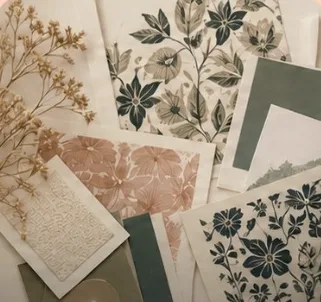
 Fabric designsPrinted by the yard
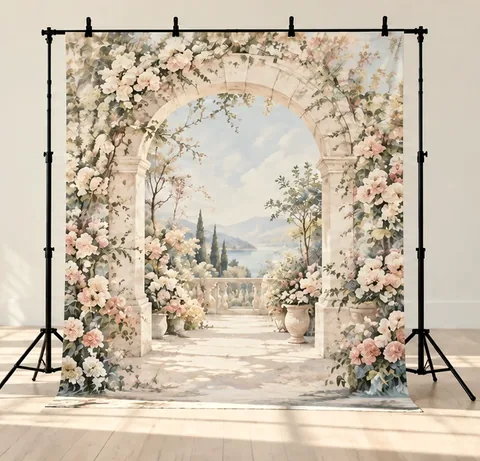 Backdrop designsPhoto backdrops to hang
Repeat pattern maker with every layout you need
Tossed, grid, half-drop, diagonal, stripes or mirrored. Pick your motifs, switch layouts with one click and watch the whole repeat change.
One repeat for each layout
Every example opens in Pattern Lab, ready to change. Swap a motif, try another palette or move things around.
How it works
Up to five, from florals and fruit to geometric shapes, celestial and seasonal sets.
Start from a ready palette or set every color yourself.
Tossed, grid, half-drop, diagonal, stripes or mirrored, at any density and size.
Save the seamless tile, or print it on fabric by the yard.
Which repeat should you use?
A tossed repeat hides the tile edges best and suits small, busy prints. A grid looks neat and graphic. A half-drop shifts every other column down by half, so the eye doesn't catch straight lines.
Diagonal layouts add movement, stripes give you bands of motifs, and mirrored repeats make the symmetrical look you see in damasks and tiles.
Questions
What is a half-drop repeat?
Each column of the pattern is shifted down by half a tile, so motifs sit in offset rows instead of a straight grid. It is one of the most common repeats in fabric design.
Can I change the repeat after I pick motifs?
Yes. Switch the layout at any time and the pattern redraws with the same motifs and colors.
Can I control how dense the repeat is?
Yes. Set the density and the motif size, and shuffle for a new arrangement.
Do I need design software?
No. Everything runs in your browser on a computer, tablet or phone.
More free pattern makers
Or open Pattern Lab and start from scratch.